
Best Smart Home Security Systems in Canada 2026
Smart home security continues to be essential in 2026, with modern systems offering professional monitoring, app controls, and smart‑home integration. Below are the top choices available in Canada today, updated to reflect brand changes and availability.
1. ADT / TELUS SmartHome Security
Features and Details:
- Canada’s leading professionally monitored security system.
- 24/7 monitoring with real-time alerts and emergency response.
- Smart home integration: control lights, locks, cameras, and thermostats remotely.
- App control with customizable notifications and alerts.
Equipment Included:
- Control panel, indoor/outdoor cameras, door/window sensors, motion detectors, smart locks.
Installation Cost:
Professional installation is required, typically included in the plan.
Available Packages and Pricing:
- Video subscription: Starts around $10/month.
- SmartHome Security Package: Starts around $45/month with additional smart home features.
USP:
Canada’s most trusted monitored security system with nationwide coverage and reliable support.
Pros:
- Comprehensive professional monitoring.
- Strong smart home integration.
Cons:
- Long-term contracts required.
- Higher ongoing costs compared to DIY systems.
2. Ring
Features and Details:
- DIY-friendly security system with video doorbells, cameras, and alarms.
- Real-time notifications and two-way audio via app.
- Works with Alexa for voice control.
Equipment Included:
- Video doorbells, indoor/outdoor cameras, alarm kits, and sensors.
Installation Cost:
DIY installation is free; optional professional monitoring is available.
Available Packages and Pricing:
- Alarm Professional Monitoring : Starts at $15/month.
- Ring Protect Plans: $5.99/month for solo, $29.99/month for AI Pro.
USP:
Affordable and easy to expand, ideal for renters and DIY users.
Pros:
- No contract required for self-monitoring.
- Compatible with many smart home devices.
Cons:
- Professional monitoring is limited and incurs additional cost.
3. Frontpoint
Features and Details:
- DIY installation with highly customizable equipment.
- Cellular monitoring with 24/7 alerts.
- Mobile app for full control and notifications.
Equipment Included:
- Control panel, motion sensors, door/window sensors, cameras.
Installation Cost:
DIY installation at no extra cost; professional installation is not offered.
Available Packages and Pricing:
- Starter Package: From $69 USD.
- Monitoring Plan: Starts at USD $1.64/day.
USP:
Flexible, customizable DIY security system.
Pros:
- No professional installation needed.
- Highly-rated customer service.
Cons:
- Monitoring fees higher than basic DIY systems.
- Limited to DIY installation only.
Why Use Home Security Systems in 2026?
In 2026, the demand for home security systems is higher than ever, with advancements in technology making these systems more accessible, reliable, and affordable. Here are several reasons why you should consider using a home security system in 2024:
1. Enhanced Security and Protection
Home security systems deter intruders and provide real-time monitoring to ensure your home and family are safe. This includes protection against burglaries, vandalism, and break-ins, which are major concerns for homeowners.
2. Smart Integration
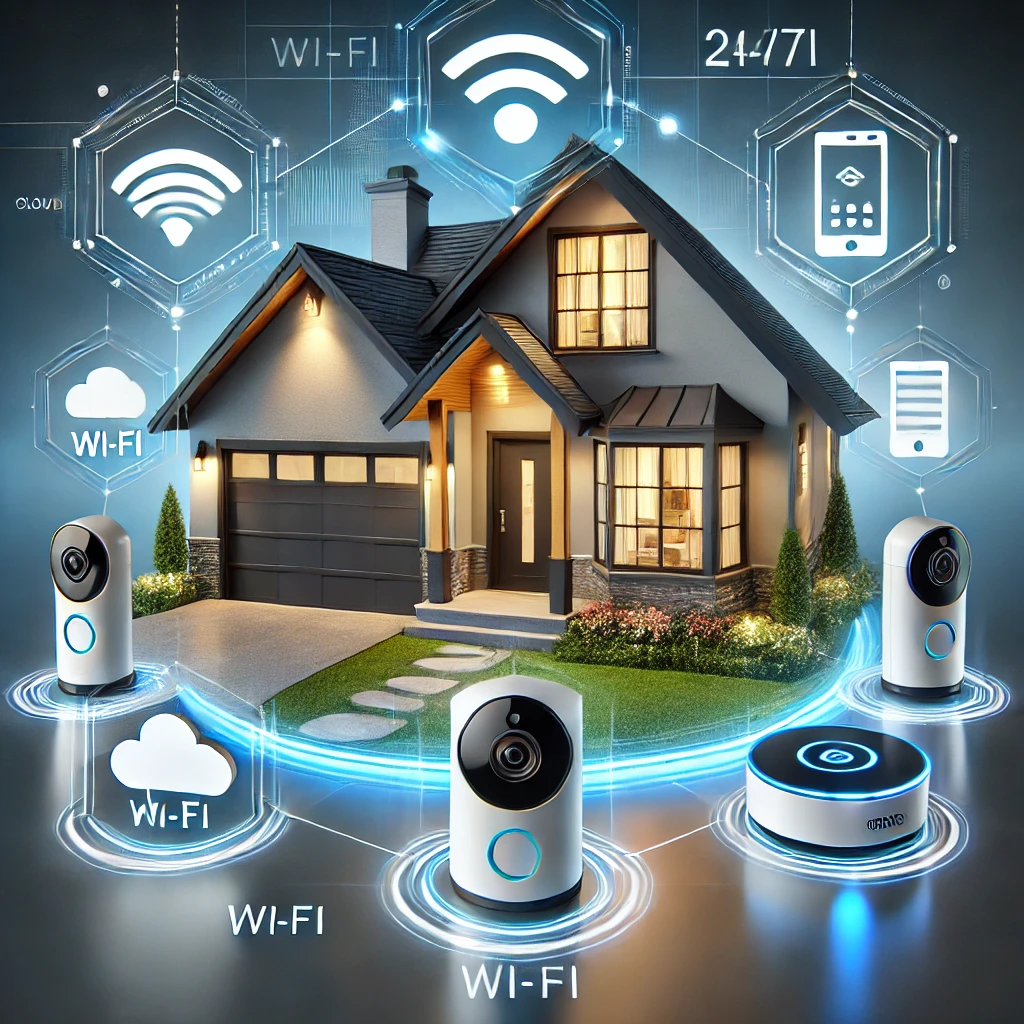
Modern security systems integrate with smart home devices, allowing you to control everything from your phone. Features like remote monitoring, smart locks, video doorbells, and motion sensors ensure you have full control over your home’s security, even when you’re away.
3. 24/7 Professional Monitoring
Many security providers now offer 24/7 professional monitoring services. This ensures that even if you’re not home or able to respond to alerts, a team of professionals will handle emergencies and contact authorities on your behalf.
4. Energy and Insurance Savings
Some security systems help save on energy costs by integrating with smart home thermostats, lights, and appliances. Additionally, having a security system installed may lower your homeowner’s insurance premiums.
5. Peace of Mind
Perhaps the most compelling reason to install a home security system in 2024 is the peace of mind it brings. Knowing that your home is protected around the clock allows you to focus on other aspects of life, knowing that your loved ones and valuables are safe.
What to Look for in Canadian Home Security Systems
When selecting a home security system in Canada, there are several key factors to consider to ensure you’re making the best choice for your needs:
1. Monitoring Options
Decide whether you want professional monitoring, DIY monitoring, or a combination of both. Professional monitoring provides peace of mind with 24/7 support, but DIY systems are more affordable and flexible.
2. Smart Home Integration
Look for systems that integrate seamlessly with your other smart home devices such as cameras, thermostats, and lights. Compatibility with Amazon Alexa, Google Assistant, or Apple HomeKit is an added bonus for those who already have smart home ecosystems.
3. Cost and Contracts
Be aware of upfront costs for equipment, installation, and monthly fees for monitoring. Some companies require long-term contracts, while others offer month-to-month flexibility. Choose a plan that suits your budget and commitment level.
4. Wireless vs. Wired Systems
Wireless systems are easier to install and relocate, but they may rely on battery power and can be susceptible to Wi-Fi issues. Wired systems, while more reliable, require professional installation and may be more difficult to modify.
5. Equipment and Features
Look for systems that offer the equipment you need, such as cameras, sensors, motion detectors, and alarms. Some companies also offer advanced features like environmental monitoring (smoke, fire, carbon monoxide), flood sensors, and even medical alert systems.
6. Customer Support and Reputation
Research customer reviews and the company’s reputation for service and support. A responsive customer service team and helpful technical support are essential, especially if you’re opting for professional monitoring.
7. Customization and Scalability
Your home security needs may change over time. Choose a system that allows you to add or remove components as needed, and one that can scale up to cover additional areas or properties if required.
FAQ
Yes, a home security system provides protection against burglaries, break-ins, and emergencies such as fires or carbon monoxide leaks. It offers peace of mind and may reduce your home insurance premiums.
DIY monitoring requires you to respond to alerts from your security system, while professional monitoring services have a dedicated team that will notify authorities in case of emergencies. Professional monitoring typically comes with a monthly fee.
Yes, wireless systems are reliable, especially with advancements in technology. They are easy to install and relocate, but you must ensure that your Wi-Fi signal is strong, and some systems may require battery replacements.
Many modern home security systems integrate seamlessly with smart home devices such as lights, locks, thermostats, and cameras. Look for compatibility with platforms like Amazon Alexa, Google Assistant, or Apple HomeKit.
Yes, many insurance companies offer discounts on premiums for homes with security systems, especially if they include professional monitoring. Check with your insurance provider for details.